


geometry and page margins in Scissor LaTeX
The geometry package works in Scissor LaTeX: \usepackage[...]{geometry} and \geometry{...} in the preamble set the paper (a0paper to a6paper, letterpaper ..., or paperwidth and paperheight), landscape, and the margins and text block (margin, left, textwidth, includehead ...). \newgeometry is ignored, and options that are not applied are named in one note.
What the package does
geometry sets the paper size and the page margins: \usepackage[a4paper, margin=2.5cm]{geometry} or \geometry{left=3cm, right=2cm}. \newgeometry changes the margins from one page on, and \restoregeometry brings back the old ones.
What works here
| Feature | In Scissor LaTeX | Notes |
|---|---|---|
\usepackage[...]{geometry}, \geometry{...} in the preamble | Works | Several \geometry lines add up, as in LaTeX. |
Papers a0paper to a6paper, b4paper to b6paper, letterpaper, legalpaper, executivepaper, paper=... | Works | |
paperwidth, paperheight, papersize={w,h} | Works | Any size from 1 cm to 5 m. |
landscape, portrait | Works | The page is turned. |
margin, hmargin, vmargin, left, right, top, bottom, inner, outer | Works | Lengths in mm, cm, in, pt, bp, em ..., or 0.1\paperwidth. |
textwidth, textheight, width, height, text, body, total, scale | Works | The margins are worked out from the page. |
centering, hmarginratio, vmarginratio, marginratio | Works | |
includehead, includefoot, includeheadfoot, headheight, headsep, footskip, bindingoffset | Works | |
columnsep, twocolumn | Works | The column gap; two columns. |
showframe, drivers, twoside, marginparwidth and other options without a visible effect here | Left out | Accepted quietly. |
Other options (hdivide, vdivide ...) | Left out | Ignored; one note in the Problems tab names them. |
\newgeometry{...}, \restoregeometry | Left out | The whole document keeps the preamble's page. |
Class options a4paper, a5paper, b5paper, letterpaper, legalpaper, executivepaper, landscape | Works | Also without geometry. |
Without margin options the page keeps the class margins on the standard papers; on any other page, or in landscape, the text block takes 70 % of the page, as with geometry's default scale=0.7. The conference and journal layouts keep their own page unless your document sets a paper, an orientation or margins with geometry.
Examples
A4 with margins of 2 cm at the sides and 2.5 cm at the top and bottom:
Margins with geometry
\documentclass{article}
\usepackage[a4paper, hmargin=2cm, vmargin=2.5cm]{geometry}
\begin{document}
\section{Margins}
This page is A4 with 2 cm margins at the sides and 2.5 cm at the top
and bottom. Lorem ipsum dolor sit amet, consectetuer adipiscing elit.
Ut purus elit, vestibulum ut, placerat ac, adipiscing vitae, felis.
Curabitur dictum gravida mauris. Erika Mustermann and John Doe
measured 44 samples.
\end{document}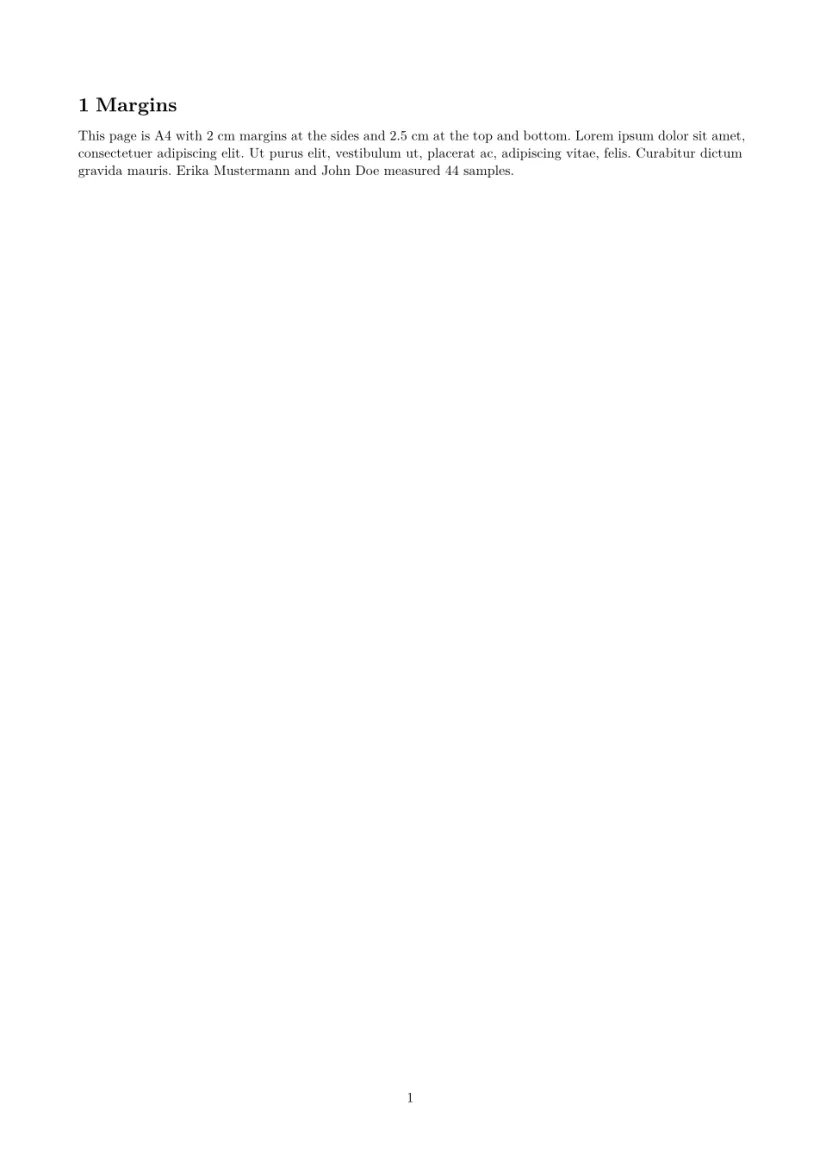
A page of any size, here an index card of 5 by 3 inches without page numbers:
paperwidth and paperheight
\documentclass{article}
\usepackage[paperwidth=5in, paperheight=3in, margin=0.3in]{geometry}
\pagestyle{empty}
\begin{document}
\textbf{Index card 44}

Hans Mustermann: call back about the bridge drawings on Monday, and
send the corrected table to John Doe.
\end{document}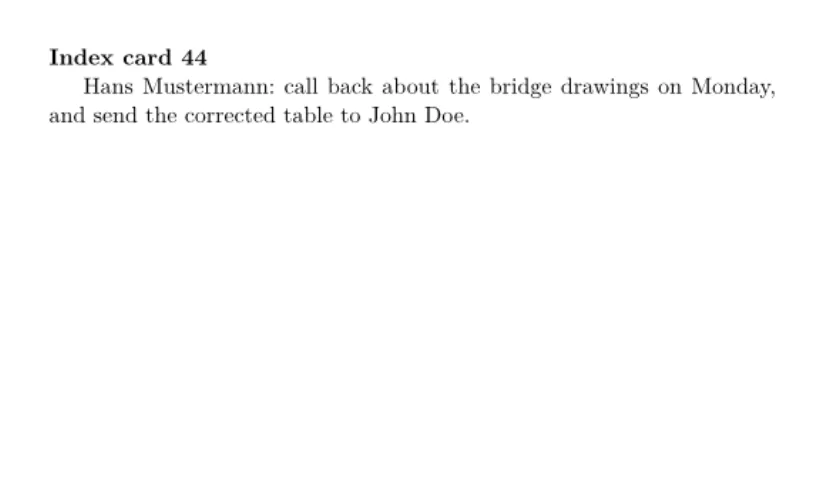
A4 turned to landscape, with the text block given instead of the margins:
landscape and textwidth
\documentclass{article}
\usepackage[a4paper, landscape, textwidth=20cm, textheight=14cm, centering]{geometry}
\begin{document}
\section{A landscape page}
The text block is 20 by 14 cm, centred on an A4 page turned on its
side. Lorem ipsum dolor sit amet, consectetuer adipiscing elit. Ut
purus elit, vestibulum ut, placerat ac, adipiscing vitae, felis.
\end{document}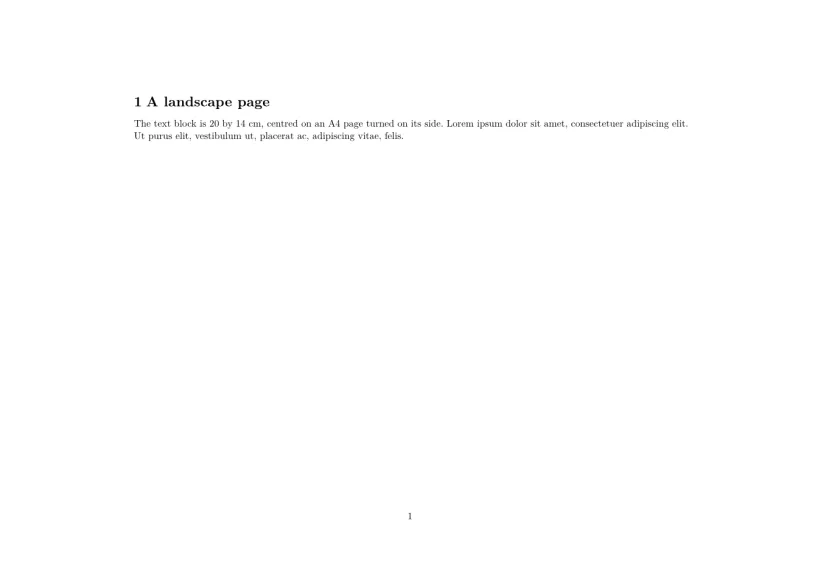
Compatibility
- From a TeX installation to here: paper, orientation and margins come out as there. A layout that changes with
\newgeometrykeeps the first page's layout throughout. - From here to a TeX installation: documents compile there unchanged, with the same page.
The full manual is on CTAN: ctan.org/pkg/geometry. For a guide, see Page layout, margins and paper size and Document classes.
Questions and answers
How do I change the margins in Scissor LaTeX?
With geometry, as in any LaTeX: \usepackage[margin=2cm]{geometry}, or one margin at a time with left, right, top and bottom.
How do I print on an envelope or a card?
Give the size: \usepackage[paperwidth=220mm,paperheight=110mm,margin=10mm]{geometry} for a DL envelope. The Cards and print templates in New project start with an envelope, a postcard, a business card, a poster, a certificate and a flyer.
Why does my conference template ignore my margins?
It does not: a conference or journal layout keeps its own page until your document sets margins or a paper with geometry. Then your settings win.
Every example on this page is typeset by Scissor LaTeX when the site is built. Last updated 2026-11-07.