


Starting templates
When you create a project, you can start from nine general templates (blank, research paper, article, report, thesis, homework, lab report, letter and CV), six cards and print templates (envelope, postcard, business card, poster, certificate and flyer), nine conference look-alike layouts, or twelve journal look-alike layouts.
How templates work
Choose New project in the editor and pick a template. The project starts with real LaTeX files: a main.tex, and where the template needs them a .bib file, data files for its plots and, for the thesis, one file per chapter. Nothing is locked. Edit, delete or add anything.
Each template below shows its first page as Scissor LaTeX typesets it. In the editor, New project offers each of them as a starting point. The name you give the project becomes the document title; the previews here use the template's name.
All templates use mock names (Erika Mustermann, John Doe) and fictional data. Every one of them is plain, portable LaTeX, so the files also compile in a TeX installation.
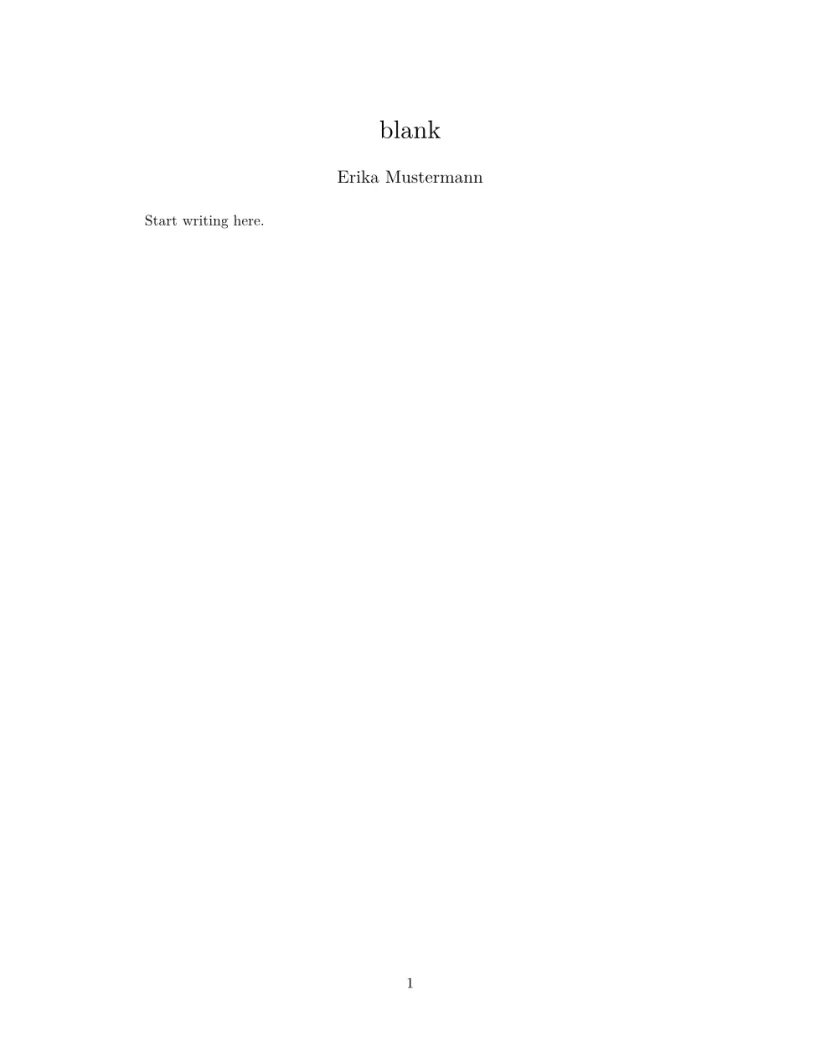
Blank
A title, an author and an empty page, with amsmath, graphicx and hyperref already loaded. Start here when you know what you want to write.
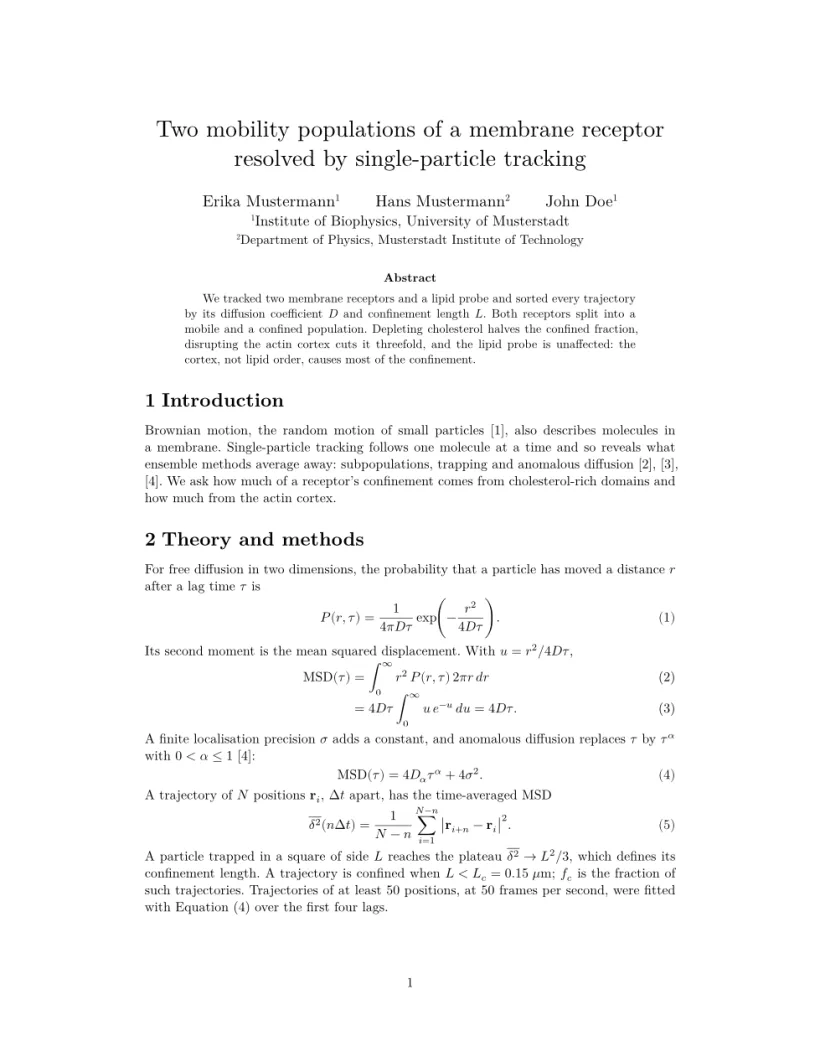
Research paper
A two-page journal-style paper: several authors with affiliations, an abstract, numbered equations, a booktabs table and a six-panel groupplot figure with a custom colour map. A good model for a short paper in a plain article class.
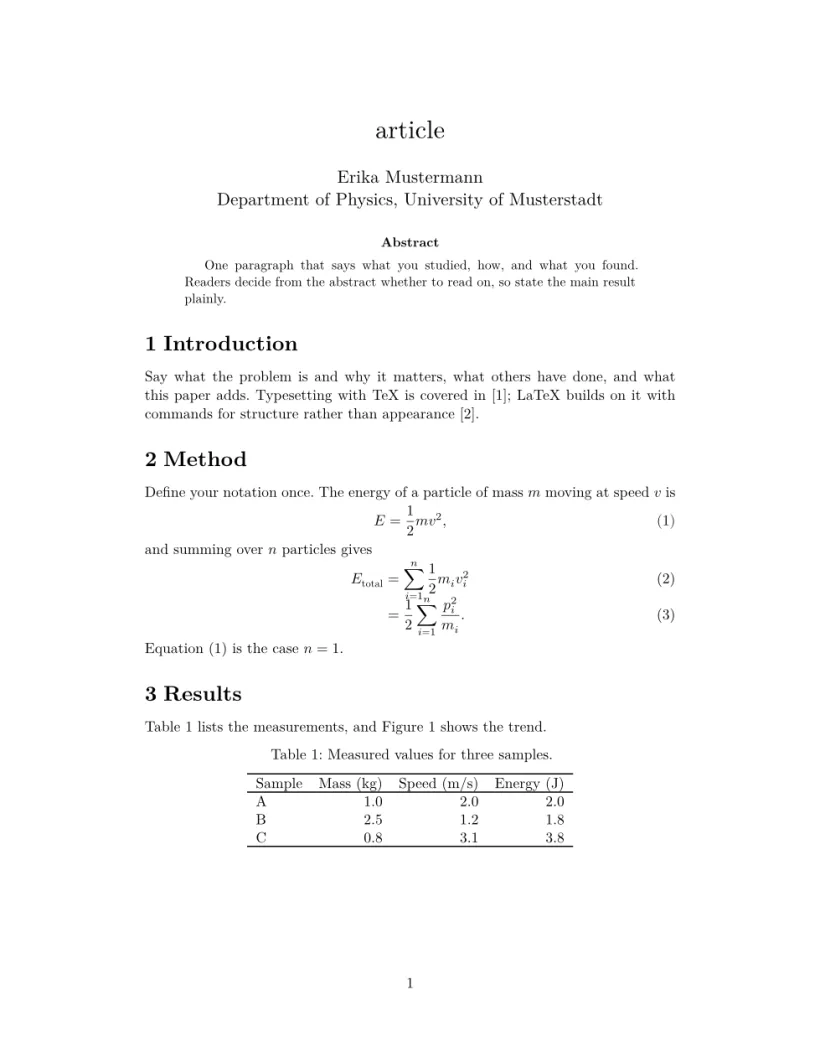
Article
An article with an abstract, sections, an equation, a table, a pgfplots figure read from CSV files and a bibliography from a .bib file. The most common starting point for a paper or an essay.
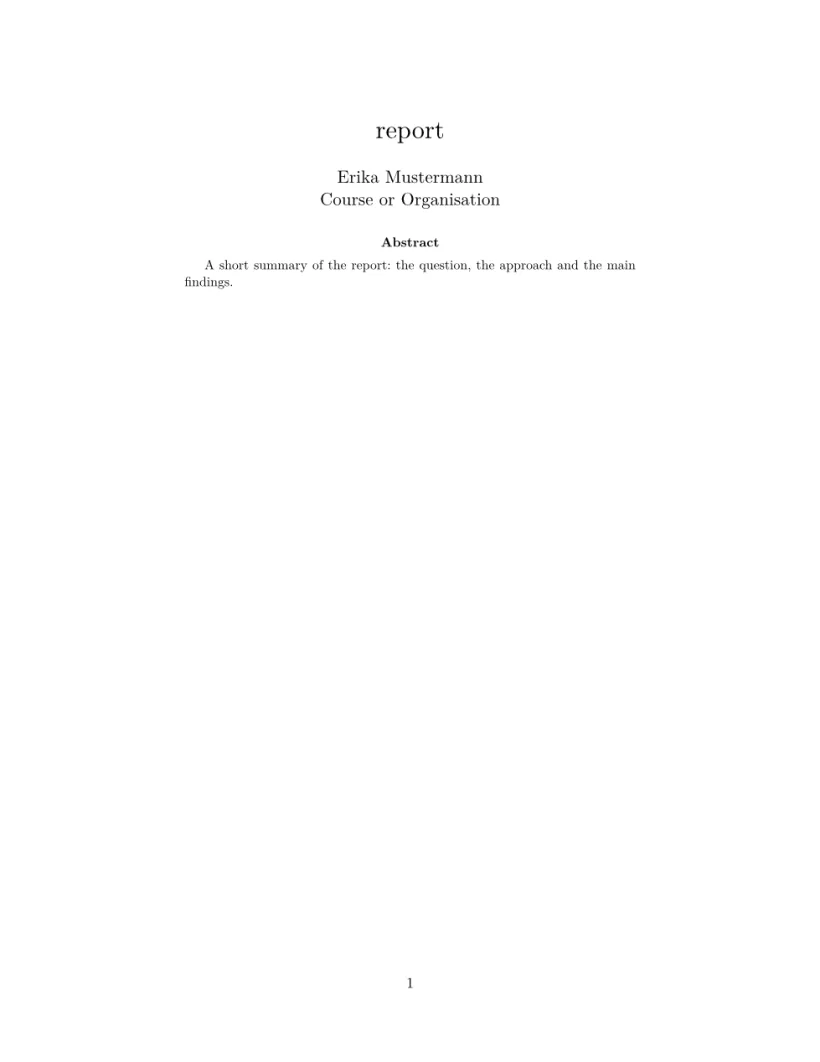
Report
A report with a title page, an abstract, a table of contents and chapters. For longer write-ups such as project reports. See document classes for how report differs from article.
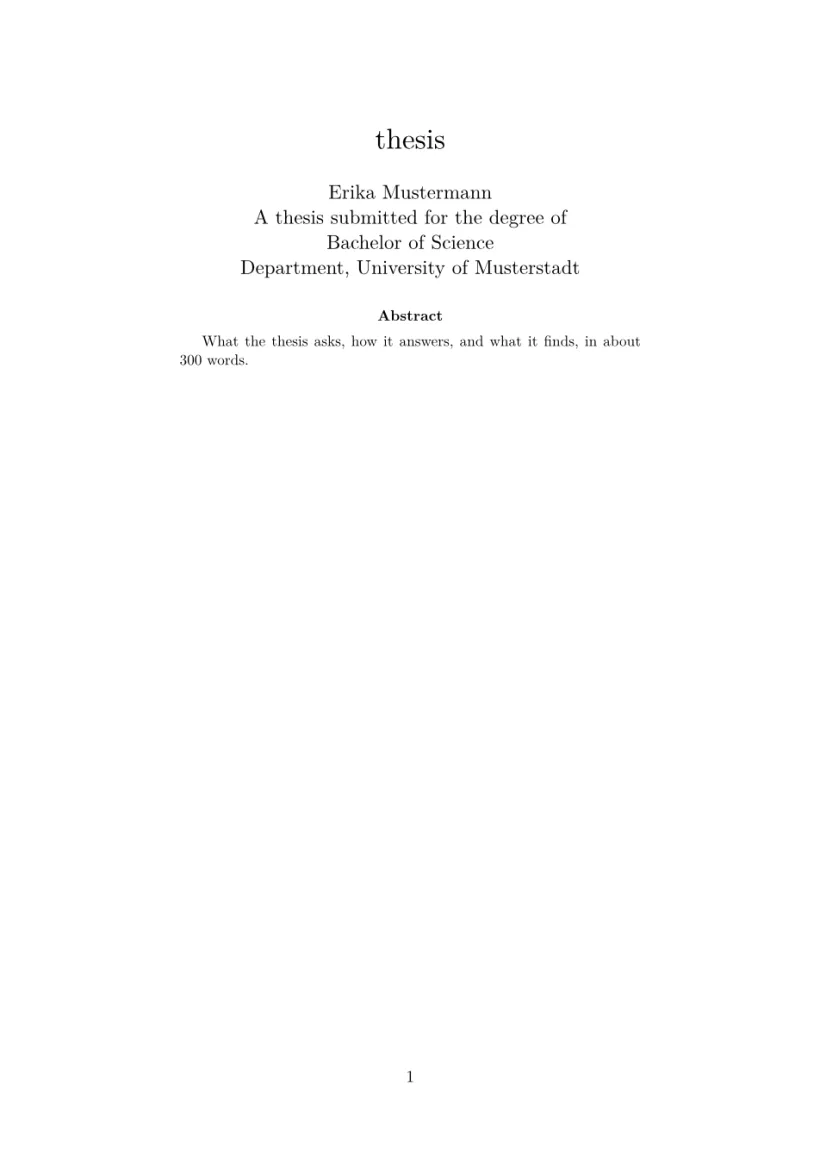
Thesis
A report on A4 paper at 12 pt, with front matter (abstract, acknowledgements, contents, lists of figures and tables), one .tex file per chapter pulled in with \include, an appendix and a bibliography. See projects with several files.
Homework
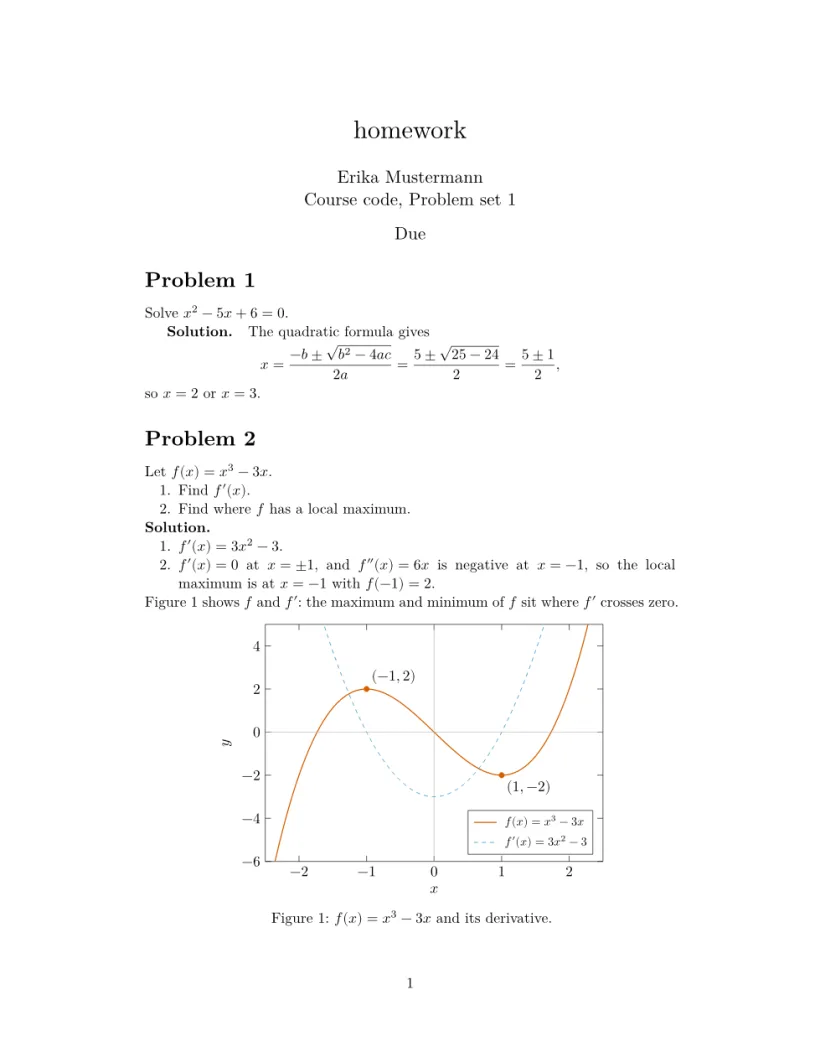
Numbered problems with parts and worked solutions, using \section* for problems and \paragraph for solutions, with equations and a small plot.
Lab report
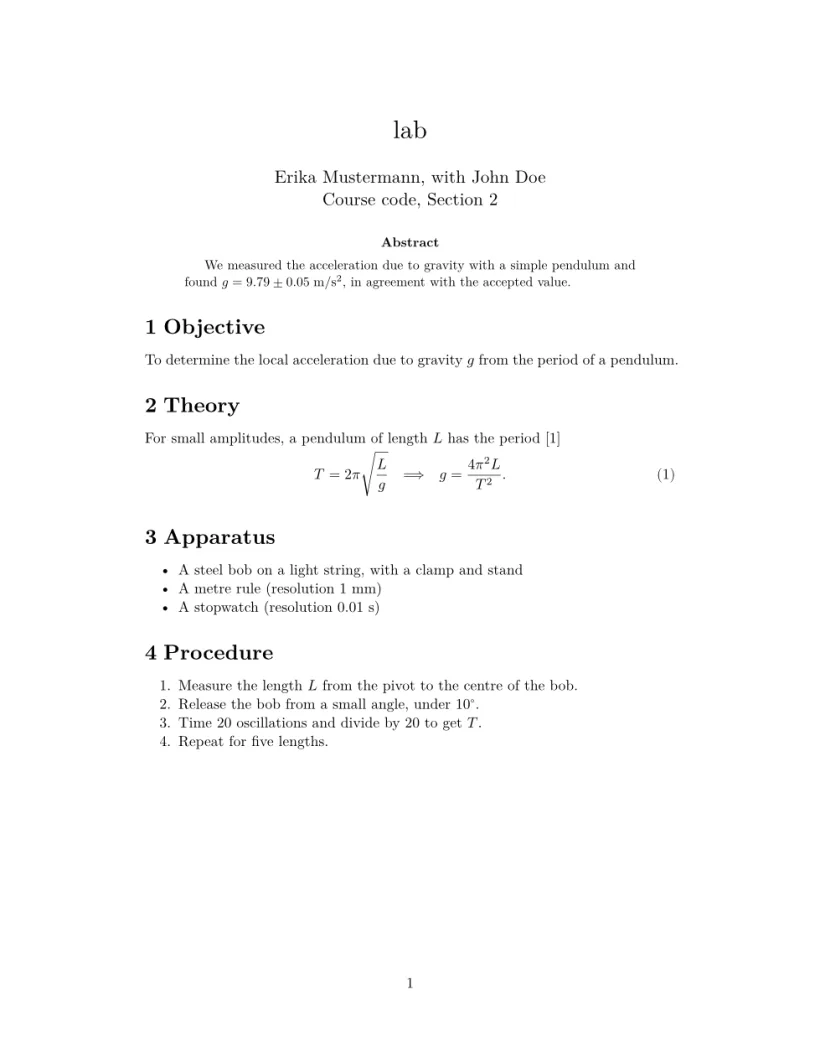
Objective, theory, method, a data table, an analysis with uncertainties, and a group plot of measured data with error bars, a fit and a residual panel, plus a short bibliography.
Letter
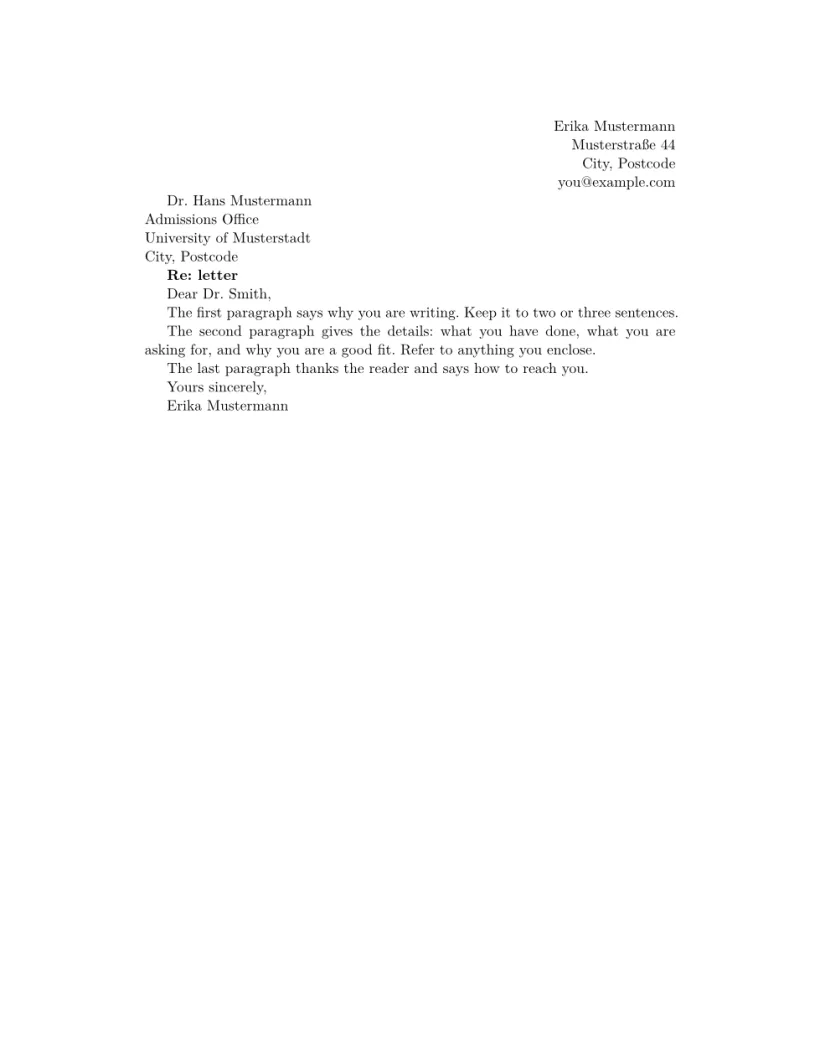
A formal letter in the article class: sender address on the right, recipient, date, greeting, body and signature. It uses flushright, \bigskip and \noindent, and typesets without any message.
CV
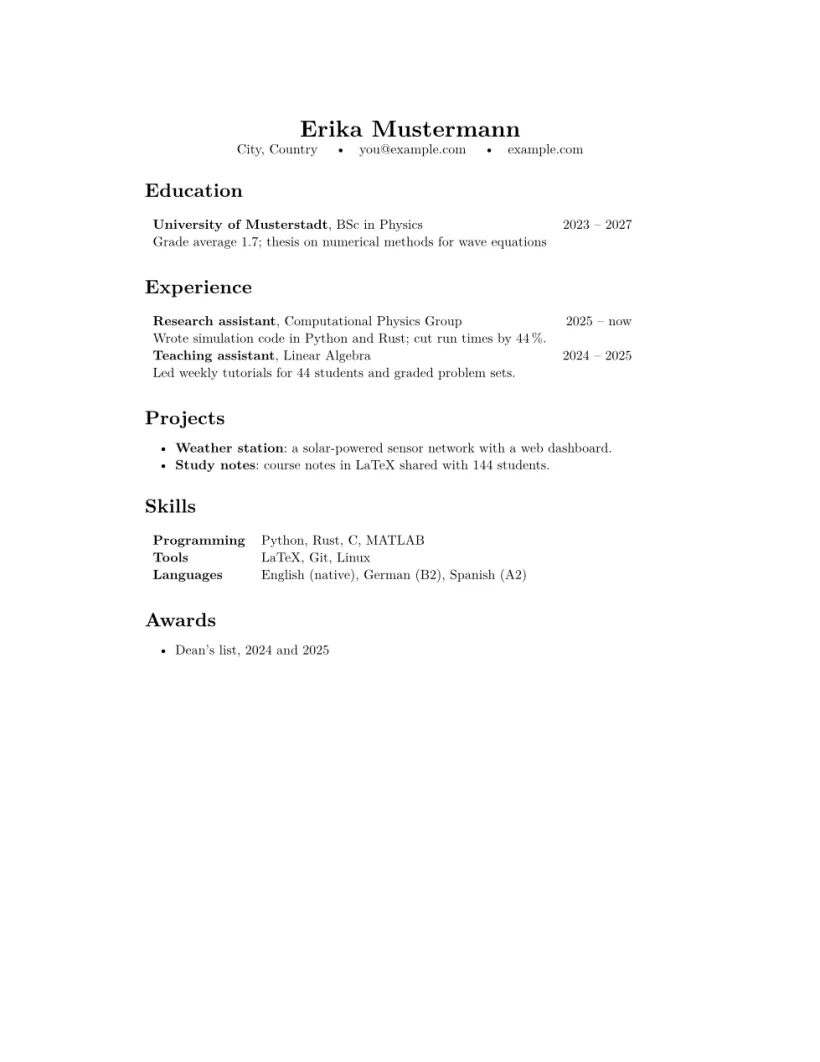
A one-page résumé: a centred name with contact links, then education, experience, projects, skills and awards, laid out with \section*, tabular and lists.
Cards and print
These templates set their own page with geometry: a size, an orientation and margins that suit it. Most of them place their content with one TikZ picture that fills the page, so every line sits where it should, on screen and in a TeX installation. In New project they are under Cards & print; the paper list shows the size each one uses, and picking another size there rewrites its geometry line.
Envelope
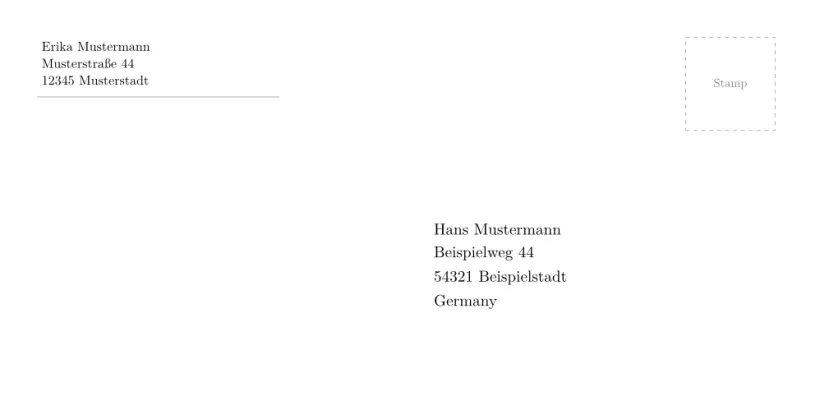
A DL envelope (220 × 110 mm): the sender at the top left, a stamp box, and the recipient where the window of a DL window envelope is.
Postcard
An A6 postcard in landscape, on two pages: a picture side drawn with TikZ, and the back with the message on the left and the address on lines on the right.

Business card
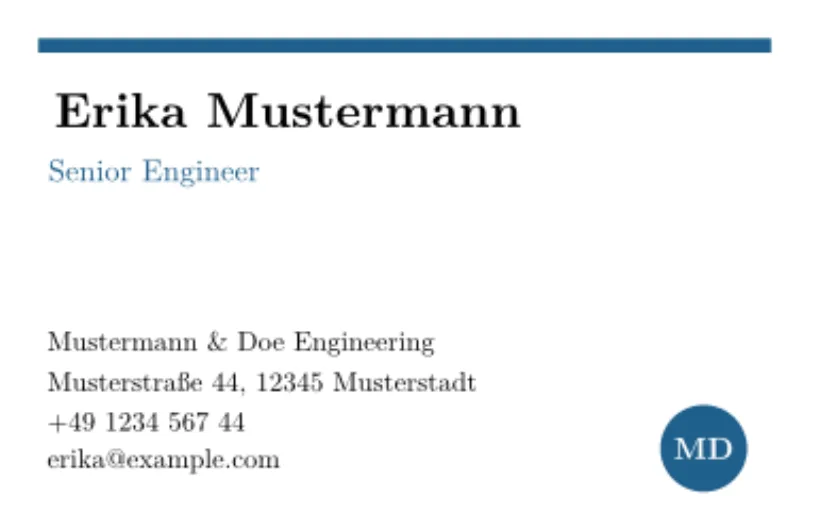
An 85 × 55 mm card, front and back as two pages: name, role and contact details on the front, a round mark and a line about the firm on the back.
Poster
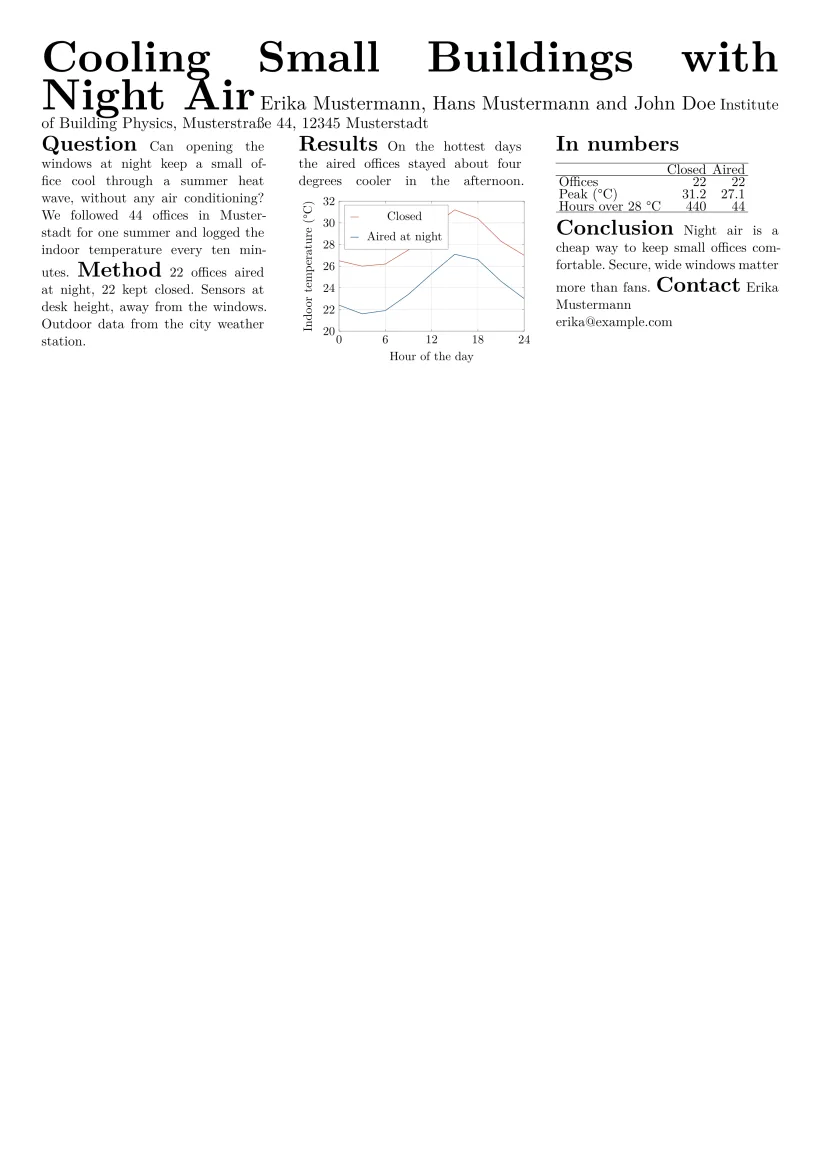
An A1 poster in portrait: a title band at 90 pt, then three columns in 28 pt type (multicols with \columnbreak), with a pgfplots chart and a booktabs table. Sizes come from \fontsize; see text styles.
Certificate
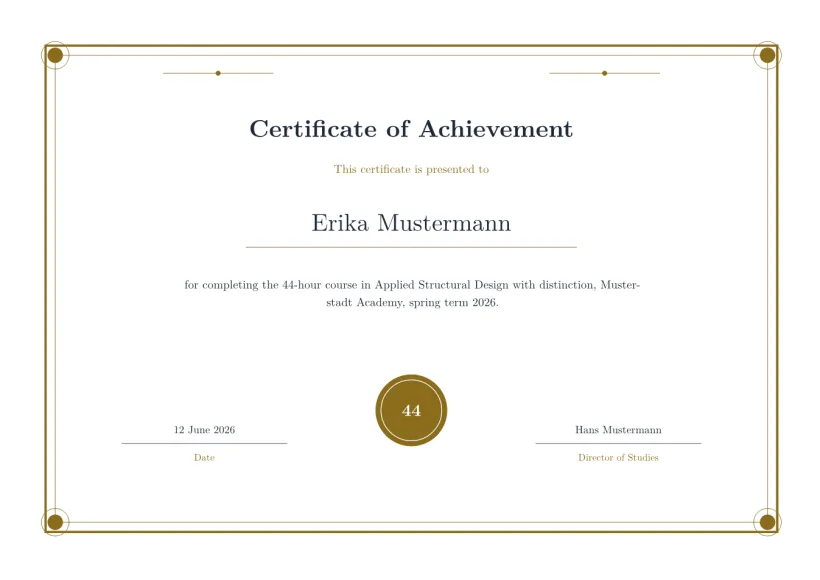
An A4 certificate in landscape, centred, with a decorative TikZ border (two frames and corner ornaments), a seal and two signature lines.
Flyer
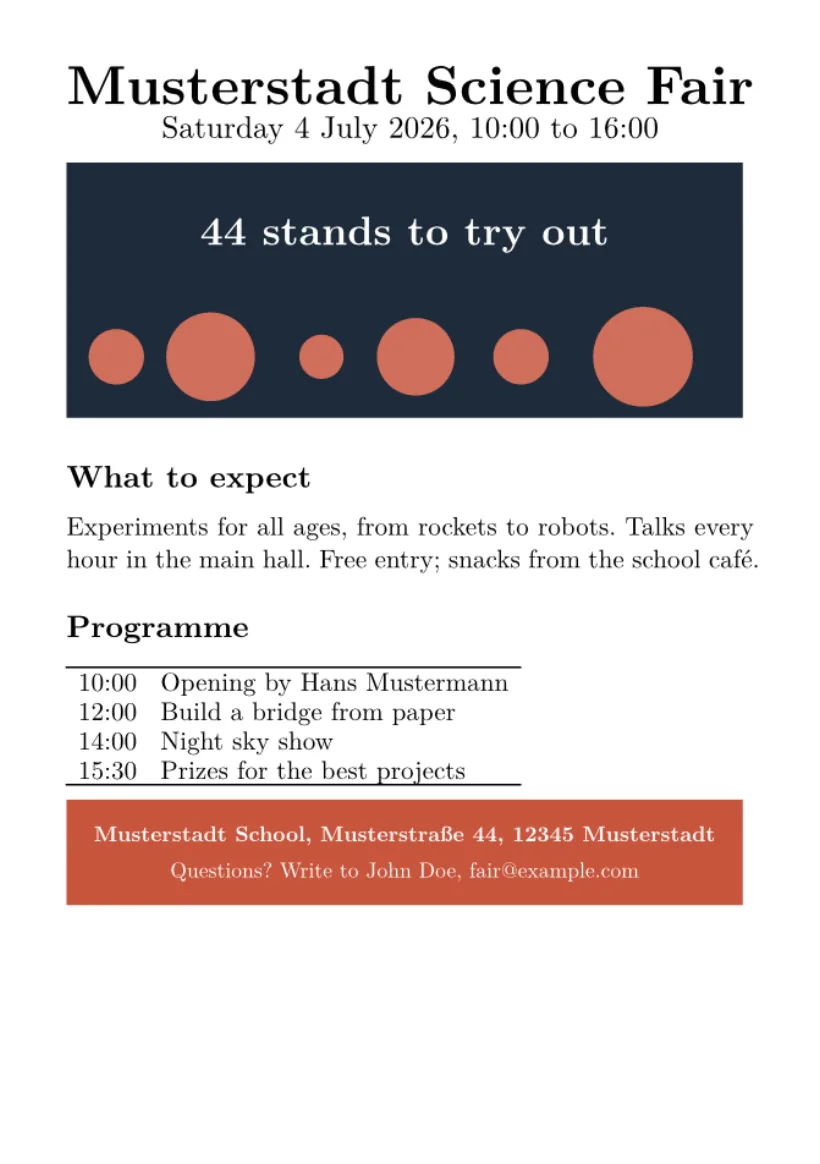
An A5 event flyer: a large headline, a TikZ picture band, the key facts as a list, a programme table and the contact at the bottom.
Conference layouts
The nine conference look-alike templates (arXiv preprint style, IEEE, CVPR, ACM sigconf, Springer LNCS, NeurIPS, ICML, ICLR and ACL) are described on conference look-alike templates, and the twelve journal look-alikes on journal look-alike templates.
Questions and answers
Can I use my own template?
Yes. Upload or paste your .tex files into a new blank project, or import a .zip. Scissor LaTeX reads standard LaTeX, so templates that use supported packages typeset; geometry is applied, while layout packages such as fancyhdr and setspace are ignored. See Differences from a TeX installation.
Are the templates free to use?
You can use what a template produces in your own documents without credit. The mock text is there to be replaced.
Can I change a template after I start?
Yes. A template is only the starting files of a project; once created, they are your files.