


lipsum, blindtext and kantlipsum in Scissor LaTeX
Yes. \lipsum and \kant print the same paragraphs as the lipsum and kantlipsum packages, with paragraph and sentence ranges, the star and the nopar option; \blindtext, \Blindtext, \blinddocument and the blind lists work too, but with English placeholder text of their own.
What the packages do
These packages print placeholder text, so you can judge a layout before the real text is written.
lipsumprints paragraphs of the pseudo-Latin "Lorem ipsum" text:\lipsum[2]gives the second paragraph,\lipsum[1-3]the first three.kantlipsumdoes the same with\kant, using sentences in the style of Kant.blindtextprints a paragraph (\blindtext), several paragraphs (\Blindtext), lists (\blinditemize) or a whole sample document with headings (\blinddocument).
What works here
| Command | In Scissor LaTeX | Notes |
|---|---|---|
\lipsum | Works | Paragraphs 1 to 7, as in the package. |
\lipsum[4], \lipsum[2-5], \lipsum[-3], \lipsum[148-] | Works | All 150 paragraphs of the package. A range past 150 stops at 150. |
\lipsum[2][1-3] | Works | Sentences 1 to 3 of the selected paragraphs. |
\lipsum*[1-2] | Works | The paragraphs run together, without a paragraph break. |
Option nopar | Works | Swaps the two: \lipsum runs together, \lipsum* breaks. |
\kant, \kant[3], \kant*[1-2] and option nopar | Works | The 164 paragraphs of kantlipsum, with the same ranges as \lipsum. |
\blindtext, \blindtext[3] | Partly | One paragraph (three copies of it with [3]), in English placeholder text of our own, not the package's. |
\Blindtext, \Blindtext[2][1] | Partly | Five paragraphs by default, or as many as you ask for. Same text. |
\blinditemize, \blindenumerate, \blinddescription, \blindlist{itemize} | Partly | A list of four items in our own text. |
\blinddocument, \Blinddocument | Partly | A short sample with headings on four levels, paragraphs and the three kinds of list. |
\setlipsum, \LipsumPar, \lipsumexp, \blindmathtrue, \blindmathpaper | Not supported | Skipped with a Problems note; an argument in braces stays in the text. |
The text of \blindtext is always English, whatever language babel selects. In a TeX installation, blindtext follows the document language and uses its own sentences, so the words differ but the amount of text is similar.
Examples
A paragraph range and a sentence range:
\lipsum with paragraph and sentence ranges
\section{Introduction}
\lipsum[1][1-3]

\section{Method}
\lipsum[2]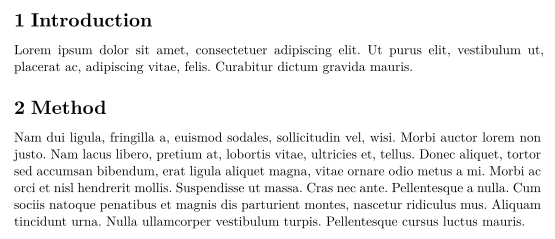
\kant works the same way, and the star joins the paragraphs into one:
\kant* runs two paragraphs together
\kant*[1-2]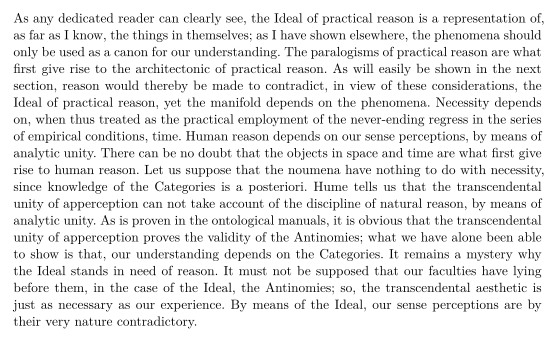
A sample document from blindtext, useful to try out a class or a template:
\blinddocument
\blinddocument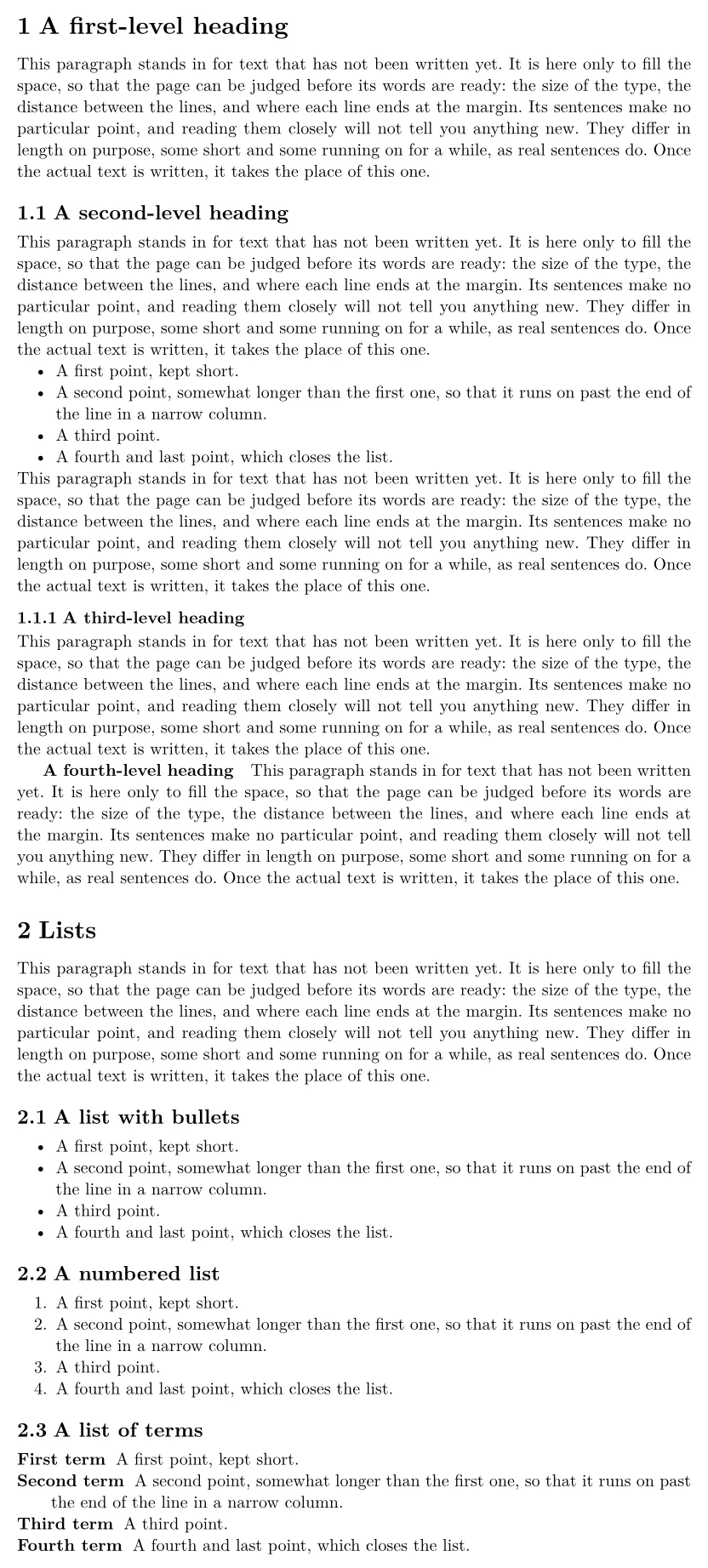
Compatibility
- From a TeX installation to here:
\lipsumand\kantgive exactly the same paragraphs and sentences. blindtext gives different words of a similar length. - From here to a TeX installation: documents compile there unchanged, as long as they load the packages.
The full manuals are on CTAN: ctan.org/pkg/lipsum, ctan.org/pkg/kantlipsum and ctan.org/pkg/blindtext. See also Document structure and the templates.
Questions and answers
How do I add Lorem ipsum text to a LaTeX document?
Load \usepackage{lipsum} and write \lipsum[1] for one paragraph or \lipsum[1-3] for three. \lipsum[1][1-2] gives only the first two sentences of paragraph 1.
Why does \blindtext look different in a TeX installation?
The blindtext package writes its own sentences, in the language of the document. Scissor LaTeX uses English placeholder text of its own with the same shape: a paragraph, several paragraphs, lists or a sample document.
Every example on this page is typeset by Scissor LaTeX when the site is built. Last updated 2026-11-07.