


Free LaTeX editor and tools for students. Nothing uploaded to us.
Write equations with a live preview, export them as PNG or SVG, convert LaTeX to HTML and Markdown, build tables and clean up your BibTeX. Free and private, with no sign-up: your documents stay on your device or in your own Google Drive.
Free · No sign-up · No account needed · Your documents stay on your device
Free
The editor and every tool, with no subscription, no fee and no limit on how much you use them.
No sign-up
Open the editor and start writing. No form to fill in, no email to confirm.
No account needed
There is no account with us. Google Drive is optional and uses your Google sign-in.
Private
Typesetting runs in your browser, so your documents never leave your device unless you save them to your own Google Drive.
What is Scissor LaTeX?
Scissor LaTeX is a free LaTeX editor and a set of 12 LaTeX tools that run entirely in your browser, made for students and researchers. You write LaTeX, see typeset pages as you type, and export PDF, PNG, SVG, HTML or Markdown. Nothing is uploaded and there is no account: your files stay on your device or in your own Google Drive.
- 12 free LaTeX tools
- 17 citation styles
- 36 document templates: IEEE, CVPR, ACM, LNCS, NeurIPS, ICML, ICLR, ACL, arXiv
- 30 languages: English, Deutsch, Español, Português, Français, Italiano, Nederlands, Polski, Ελληνικά, Türkçe, Русский, Українська, العربية, فارسی, اردو, کوردی (سۆرانی), Kurdî (Kurmancî), עברית, हिन्दी, मराठी, বাংলা, Bahasa Indonesia, Bahasa Melayu, Filipino, Tiếng Việt, ไทย, 日本語, 한국어, 简体中文, and 繁體中文
- No account, your work stays on your device
Google Drive
Keep your work in your own Google Drive
Open a .tex or .bib file from Google Drive, work on it here, and save it back. Scissor LaTeX asks only for access to the files you open or create with it, never the rest of your Drive.
- Open from Drive and save back with one click
- Access only to the files you choose
- No account with us, no server in between
AIOn-device AI
AI that runs on your device
The editor's optional AI rephrases, shortens and fixes the grammar of your text, translates a selection into English, German or Spanish, explains typesetting problems with a fix, and creates equations, tables, charts, diagrams, sections, abstracts and BibTeX entries. Every result is checked with the engines that typeset your document, and nothing changes until you accept it.
- It runs in your browser after a one-time model download of 0.45 to 1.1 GB. Your documents never leave your device.
- It works offline once the model is downloaded. No account, and no AI service in between.
- Small models make mistakes: every result is marked as written by AI and waits for you to check it.
It needs a browser with WebGPU (Chrome or Edge, Safari 26 or later, or Firefox on Windows or an Apple Silicon Mac) and 2 to 3 GB of graphics memory, depending on the model. iPhone and iPad run the smallest model. The editor checks your device before any download.
Private by design, not by promise
Scissor LaTeX runs a typesetting engine written in Rust inside your browser. Your equations, papers and bibliographies are processed on your own device and never sent to a server of ours.
Save your work to your own Google Drive if you like: your browser talks to Google directly, and Scissor LaTeX can only see the files it created or you opened with it. How it works
Why students use Scissor LaTeX
Private by design
Your LaTeX is processed in your browser tab and never uploaded. There is no account and no server that receives your work.
Real typesetting
Equations are laid out by a Rust typesetting engine with Computer Modern fonts, so PNG, SVG and PDF exports look like your paper.
Your Drive, your files
Open .tex and .bib files from Google Drive and save them back. Only the files you choose, never the rest of your Drive.
Your thesis deserves good tools.
Pick a tool, paste your LaTeX and copy the result. It is free, and your work stays on your device or in your own Drive.
Free · No sign-up · No account needed · Your documents stay on your device
Frequently asked questions
Is Scissor LaTeX really private?
Yes. Every tool runs inside your browser tab, using engines written in Rust and compiled to WebAssembly. What you type or open stays on your device. The site has no endpoint for your documents, and its Content Security Policy lets the page contact only this site and Google's sign-in and Drive services, which it uses only when you choose Open from Drive or Save to Drive.
How does Google Drive work here?
When you choose Open from Drive or Save to Drive, Google asks you to allow Scissor LaTeX to see the files you open or create with it. Your browser then talks to Google directly. We never receive your files or your Google sign-in, and Scissor LaTeX cannot see anything else in your Drive.
Can it compile a whole LaTeX document to PDF?
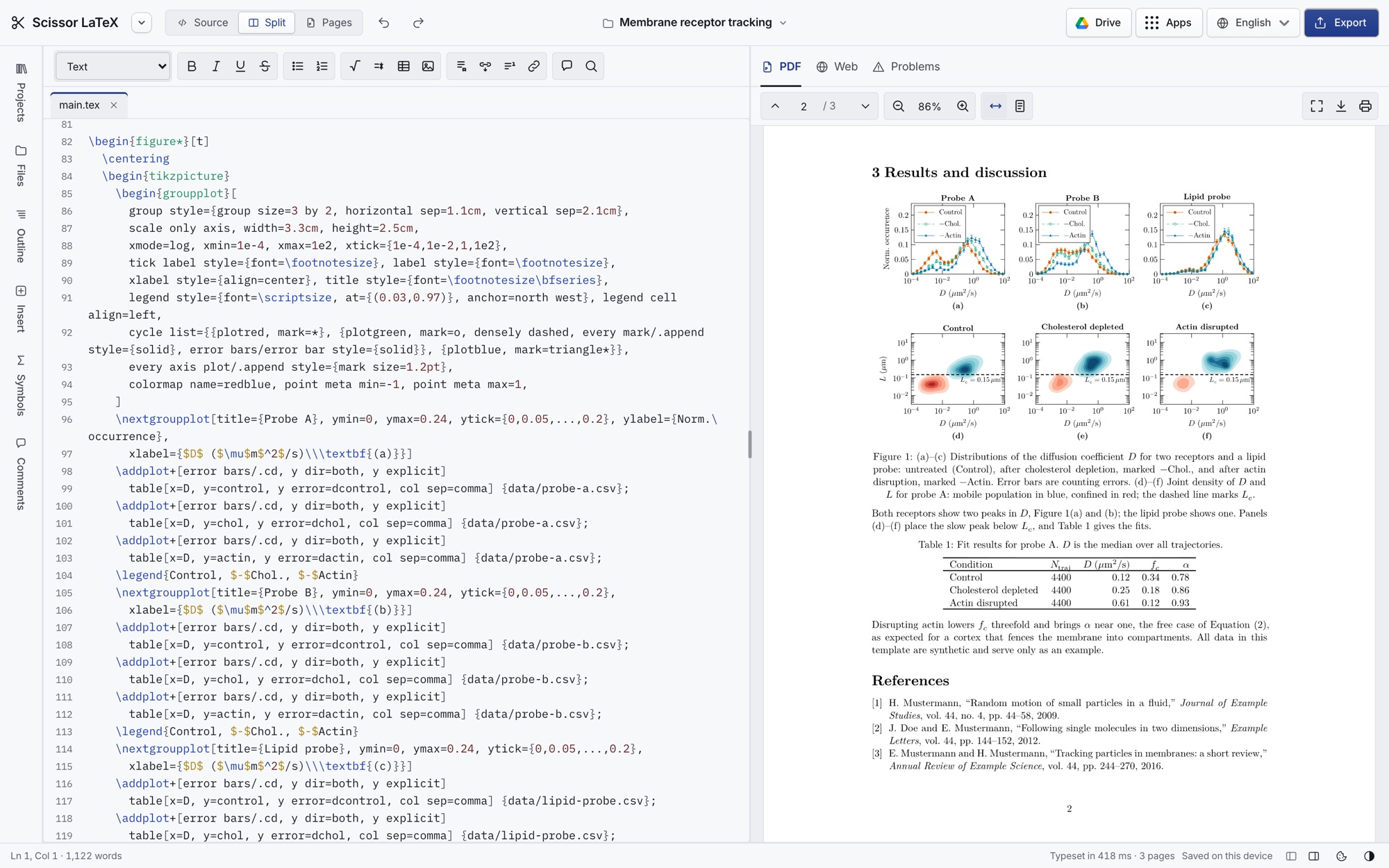
Yes. The LaTeX editor typesets your whole document into pages as you type and exports a PDF, with sections, equations, figures, tables, citations and a bibliography. It uses its own engine built on Typst rather than TeX, so it covers the LaTeX that papers, reports and theses usually use, not every package.
Which LaTeX commands are supported?
The equation tools support the math you would write in amsmath: fractions, roots, sums and integrals, matrices, cases, aligned equations, arrows, accents, Greek letters, blackboard bold, calligraphic and Fraktur letters, and hundreds of symbols.
Is Scissor LaTeX free?
Yes. The editor and every tool are free, with no subscription, no fee and no limit on how much you use them. The typesetting happens on your own device, so there is no compile server for us to pay for.
Does it work offline?
Yes. After your first visit, the editor and the tools work offline. After each update of the site, open it online once so your browser can store the new version. Some fonts download the first time a document uses them: the Noto fonts for Greek, Cyrillic, Arabic, Hebrew, Devanagari, Bengali, Thai, Chinese, Japanese and Korean text, Libertinus for the ACM layout, and the sans-serif fonts Latin Modern Sans and TeX Gyre Heros. Google Drive needs a connection.
Is my work saved?
In the tools, closing or reloading the tab clears your input. The editor saves your projects automatically in this browser on this device until you delete them. You can also save them to Google Drive or download them.
Do I need to sign up or create an account?
No. There is no sign-up and no account with us: open the editor or a tool and start writing. Google Drive is optional. You sign in with Google only if you want to open or save files there.