


Engineering LaTeX templates: RFC, design doc, runbook
Scissor LaTeX has nine engineering templates: a request for comments (RFC), a technical design document with a TikZ architecture diagram, an incident postmortem with an error-rate chart, an architecture decision record (ADR), a product requirements document (PRD), an operations runbook, an HTTP API specification, a test plan and notes for a weekly operations review meeting. Each is a plain article document of two to three pages.
How these templates work
Choose New project in the editor and open the Engineering tab. Each template is an ordinary article document with geometry, booktabs and hyperref; some add TikZ for diagrams, pgfplots for charts read from a CSV file in the project, and listings for commands and examples. The New project dialog's font size, paper and columns apply to them as to the other starting templates.
All content is mock content: Example Service, Example Co., Erika Mustermann, Hans Mustermann, John Doe and made-up numbers. Replace it with your own; the files also compile in a TeX installation.
Each section below shows the first page of the template as Scissor LaTeX typesets it.
RFC
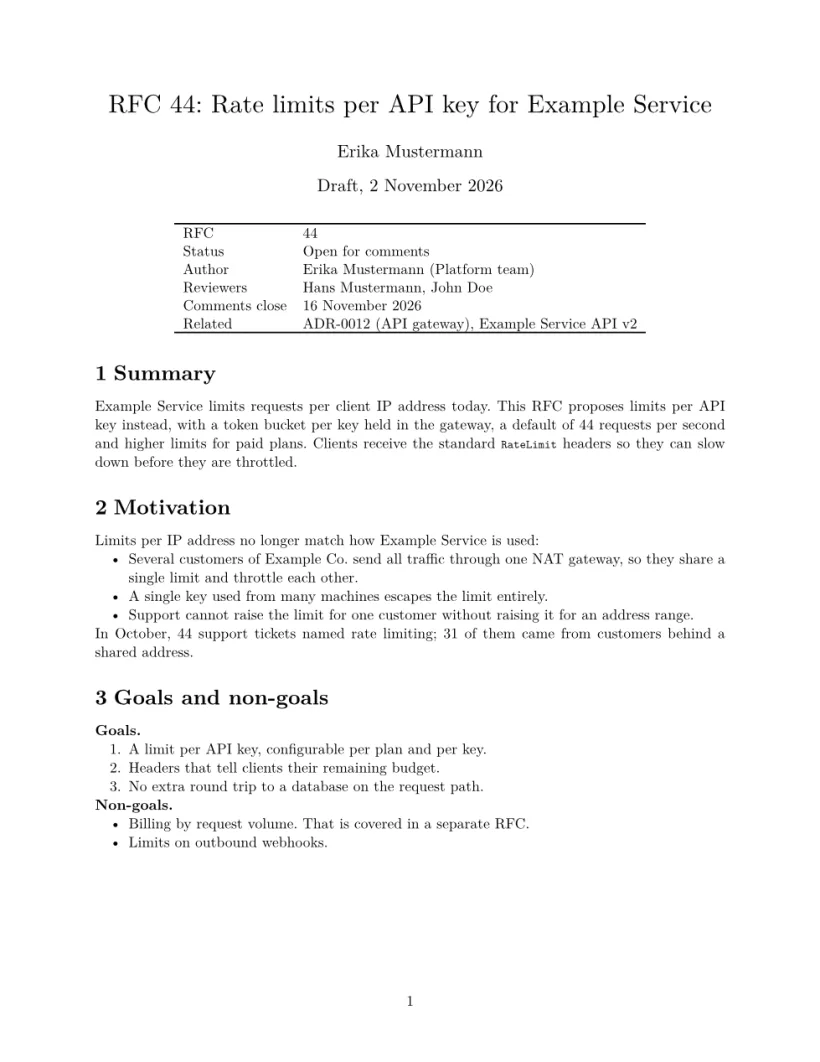
A request for comments: a header table with status, reviewers and the closing date for comments, then summary, motivation, goals and non-goals, the proposal with a formula, a table and a configuration listing, alternatives, rollout, risks, open questions and a comment log.
Design doc
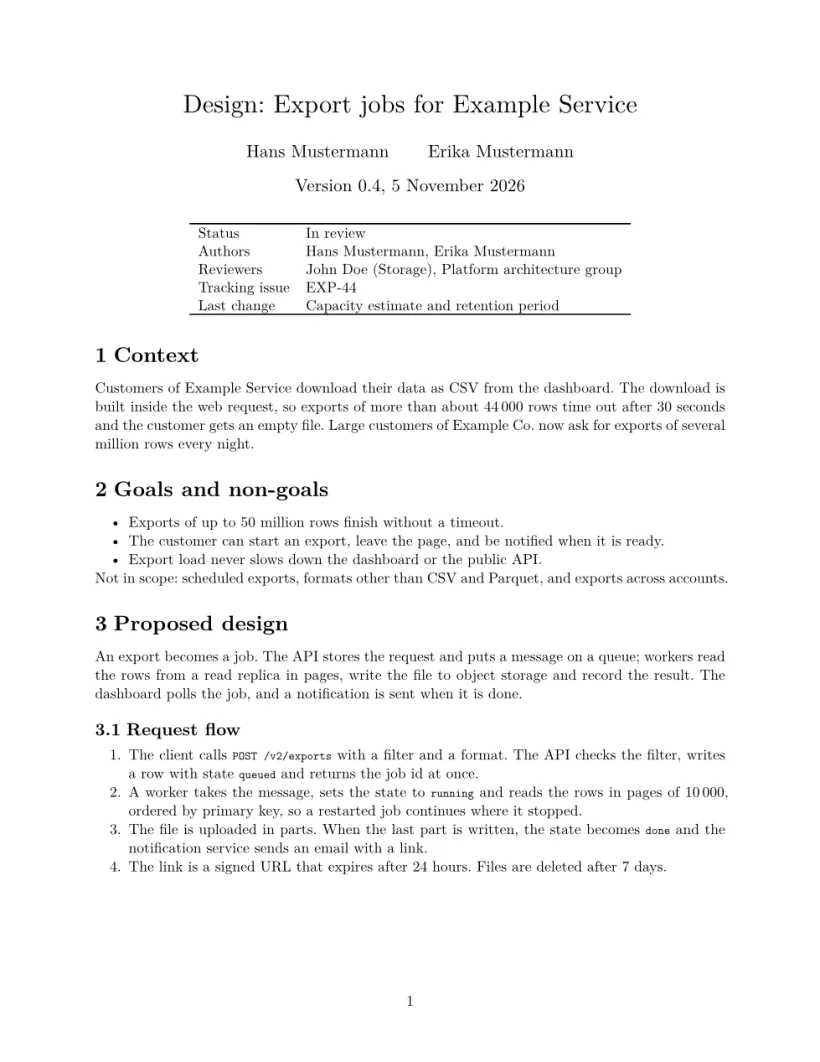
A technical design document: context, goals, an architecture diagram drawn with TikZ nodes and arrows (the positioning library), the request flow, a data model table, API examples, a capacity estimate, alternatives, security, rollout and open questions. To change the diagram, move the nodes with right=of, below=of and add arrows with \draw; see nodes and arrows.
Postmortem
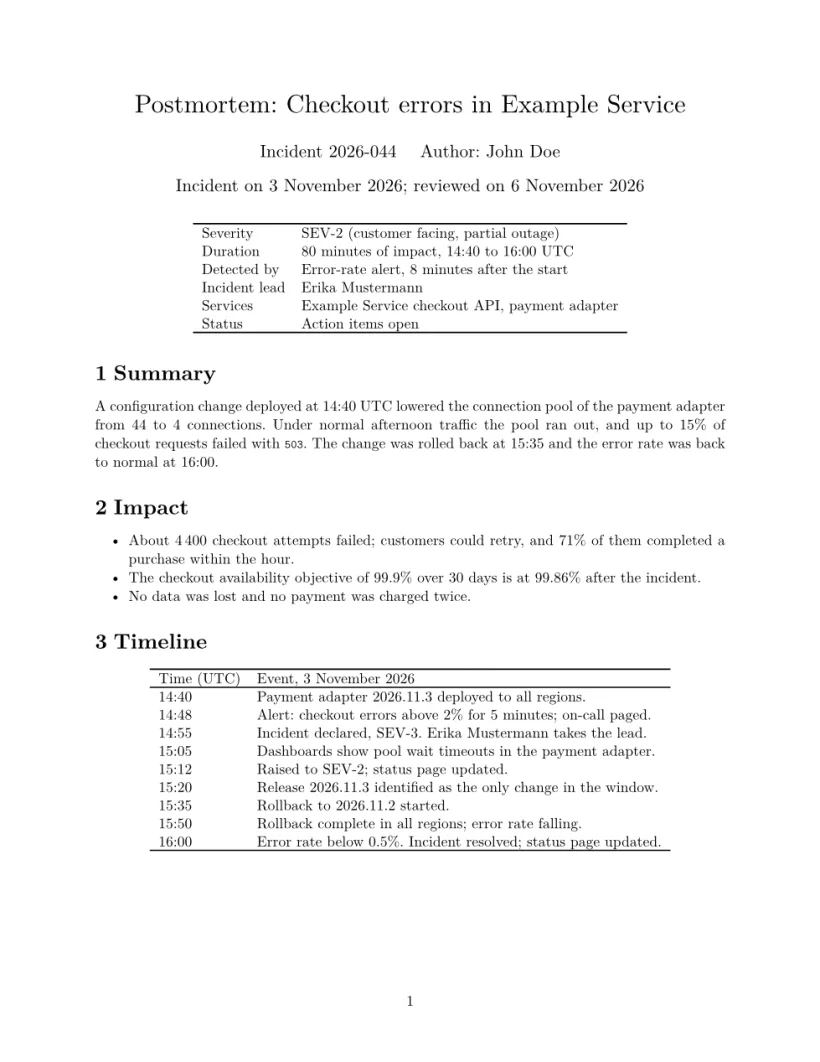
A blameless incident postmortem: a summary table (severity, duration, detection, lead), impact, a timeline table, an error-rate chart read from data/error-rate.csv with markers for the deploy and the rollback, root cause, what went well and badly, action items with owners and due dates, and lessons. Replace the CSV with an export from your monitoring; see data from CSV.
ADR
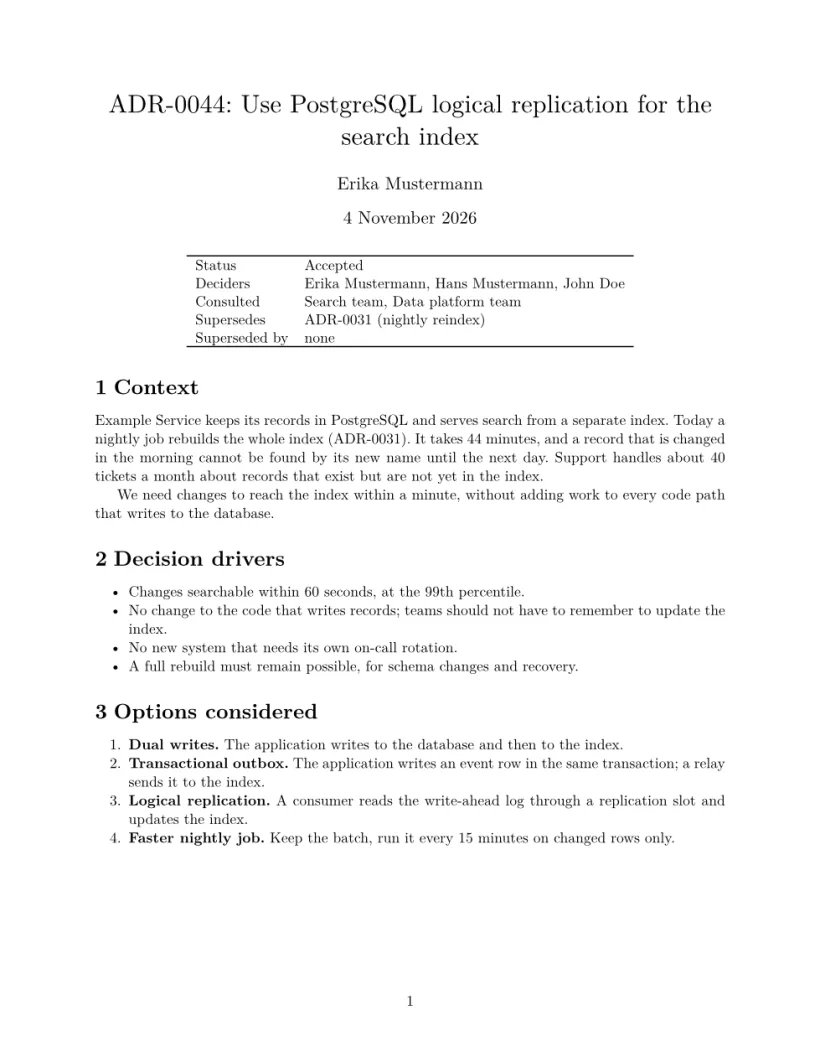
An architecture decision record: status, deciders and the record it supersedes, context, decision drivers, the options with a comparison table of check marks, the decision, trial results, consequences, follow-up and a dated history.
PRD
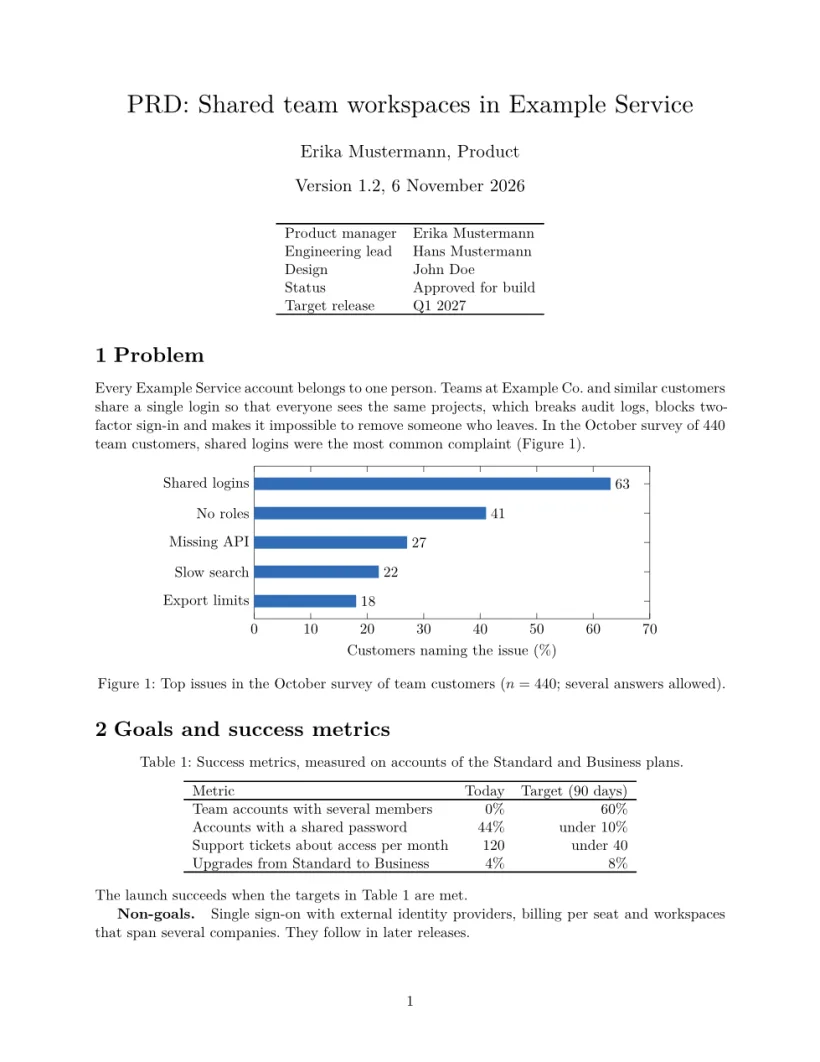
A product requirements document: an overview table, the problem with a horizontal bar chart of survey results, success metrics, non-goals, personas, user stories with priorities, numbered functional requirements (R1, R2 ...), non-functional requirements, milestones, risks and open questions.
Runbook
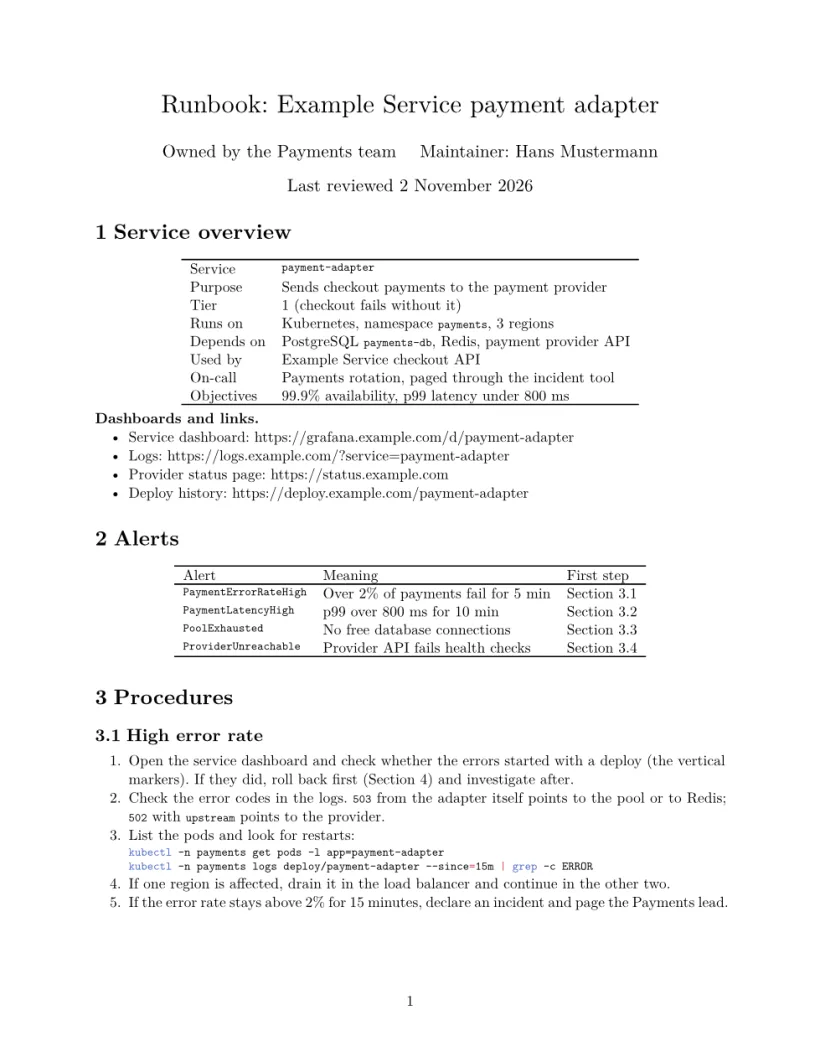
An operations runbook: a service overview table, links to dashboards and logs, an alert table that points to the procedure for each alert, step-by-step procedures with shell and SQL commands, rollback, an escalation table and a change log. Cross-references (\ref) link each alert to its section.
API spec
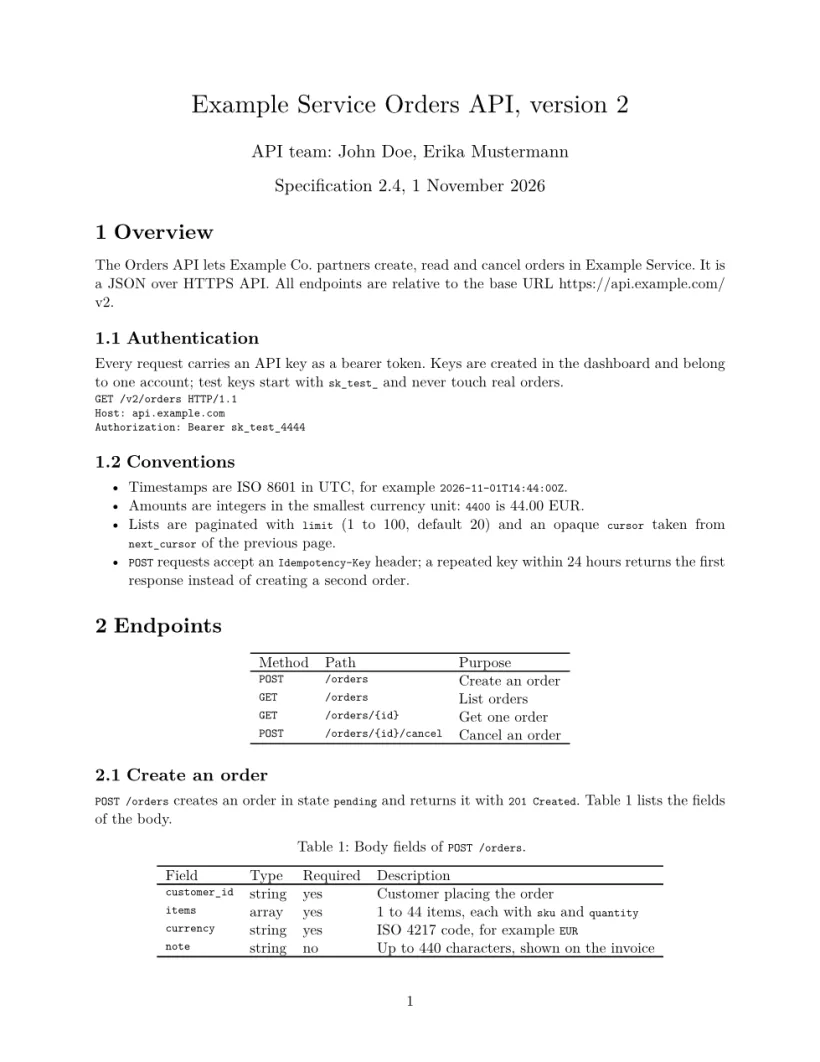
An HTTP API specification: overview, authentication, conventions (timestamps, amounts, pagination, idempotency), an endpoint table, then each endpoint with a field table and example requests and responses, an error table, rate limits and a changelog.
Test plan
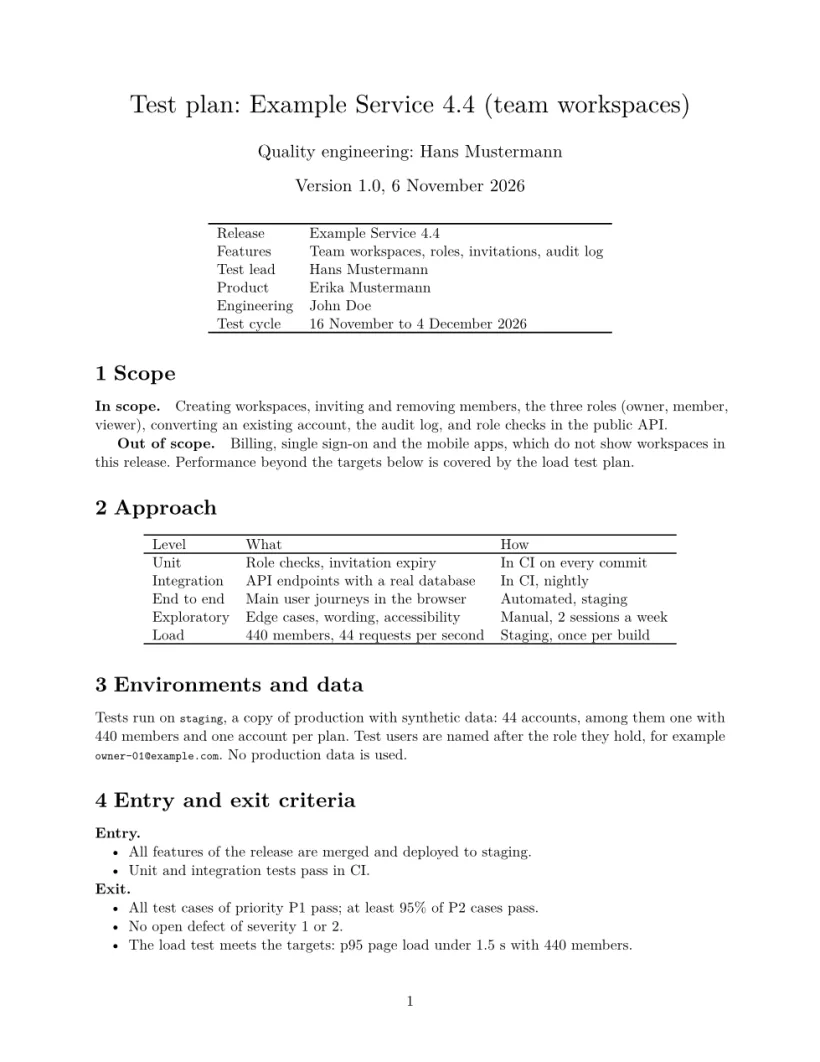
A test plan for one release: scope, approach per test level, environments and test data, entry and exit criteria, a test case table with ids and priorities, a progress chart of planned, executed and passed cases read from data/test-progress.csv, risks, schedule and a sign-off table.
Weekly ops review
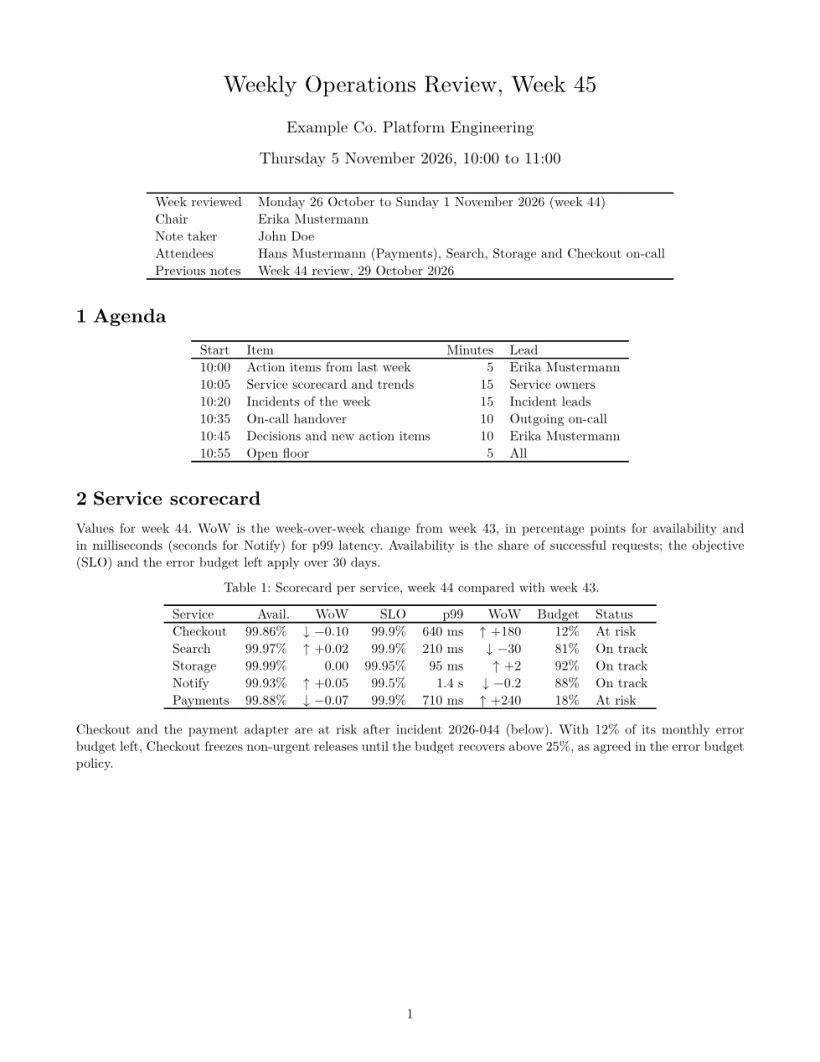
Notes for a Weekly Operations Review Meeting (WORM): a header table with the week reviewed, chair and attendees, a timeboxed agenda, a scorecard per service with availability, latency and error budget and their week-over-week change, an eight-week availability trend read from data/weekly-trend.csv, an incidents table, the on-call handover with its own load table, action items and a decisions log. Copy the project each week and add a row to the CSV.
Questions and answers
Can I add my company's logo and colours?
Yes. Upload the logo and place it with \includegraphics in the title or a header table. Colours work in TikZ diagrams and pgfplots charts; text colour is ignored in Scissor LaTeX, see Differences from a TeX installation.
Can I keep one file per week or per incident?
Yes. Duplicate the project, or keep one .tex file per week in a project and pick the main file. See projects with several files.
Where are the other templates?
Articles, reports, letters and cards are on starting templates; paper formats are on conference look-alike templates and journal look-alike templates.