


節と目次
各部分の始まりに \section{Title}、\subsection{Title}、\subsubsection{Title} と書くと、自動で番号が付きます。\tableofcontents は、これらの見出しからページ番号付きの目次を作ります。
見出し
見出しを作るコマンドは、波括弧の中に見出しのテキストを受け取ります。以下の階層には 1、1.1、1.1.1 と自動で番号が付きます。
3 階層の見出し
\section{Methods}
We used two instruments.
\subsection{Thermometers}
Both were calibrated in March.
\subsubsection{Placement}
One in the shade, one in the sun.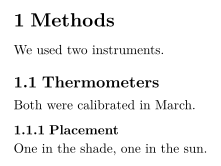
| コマンド | 階層 | 使えるクラス |
|---|---|---|
\part{...} | 部 | すべてのクラス(下の注を参照) |
\chapter{...} | 章 | report と book |
\section{...} | 節 | すべてのクラス |
\subsection{...} | 小節 | すべてのクラス |
\subsubsection{...} | 小小節 | すべてのクラス |
\paragraph{...} | 段落の頭に置く太字の見出し | すべてのクラス |
\subparagraph{...} | 同じく、1 つ下の階層 | すべてのクラス |
\paragraph と \subparagraph は行内見出しで、テキストが同じ行に続きます。
\paragraph による行内見出し
\paragraph{Weather.} Sunny on most days, with rain
on the 4th and the 14th.
\paragraph{Equipment.} Nothing broke.
番号なしの見出し
番号を省くにはスターを付けます。\section*{Acknowledgements} のように書き、どの階層でも使えます。
スター付きの節には番号がありません
\section{Results}
The mean was 44.
\section*{Acknowledgements}
We thank Hans Mustermann for the thermometers.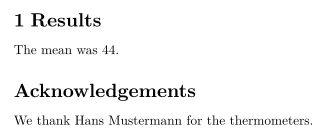
目次
\tableofcontents は、書いた位置に見出しを番号とページ番号付きで表示します。キーを押すたびに更新されるので、TeX のインストール環境のように 2 回組版する必要はありません。
冒頭に置いた目次
\documentclass{article}
\begin{document}
\tableofcontents
\section{Introduction}
Why we count birds.
\subsection{Earlier work}
What others found.
\section{Method}
How we counted.
\end{document}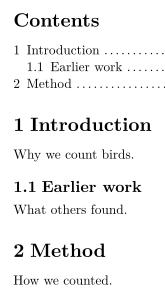
TeX のインストール環境では、\section[Short title]{Long title} で目次用の短い形を指定できます。Scissor LaTeX はどちらにも長いタイトルを使います。\setcounter{tocdepth}{...} と \setcounter{secnumdepth}{...} は無視され、\subsubsection までのすべての階層に番号が付き、目次に載ります。\listoffigures と \listoftables は何も表示しません。
report や book の章
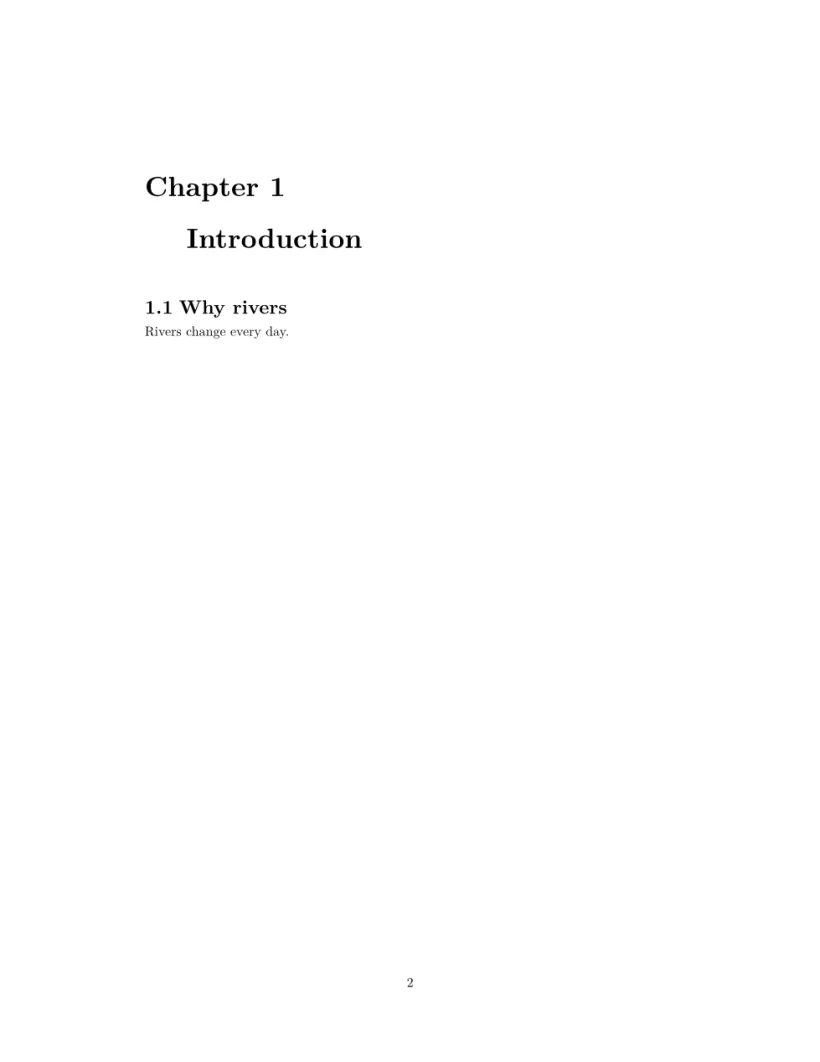
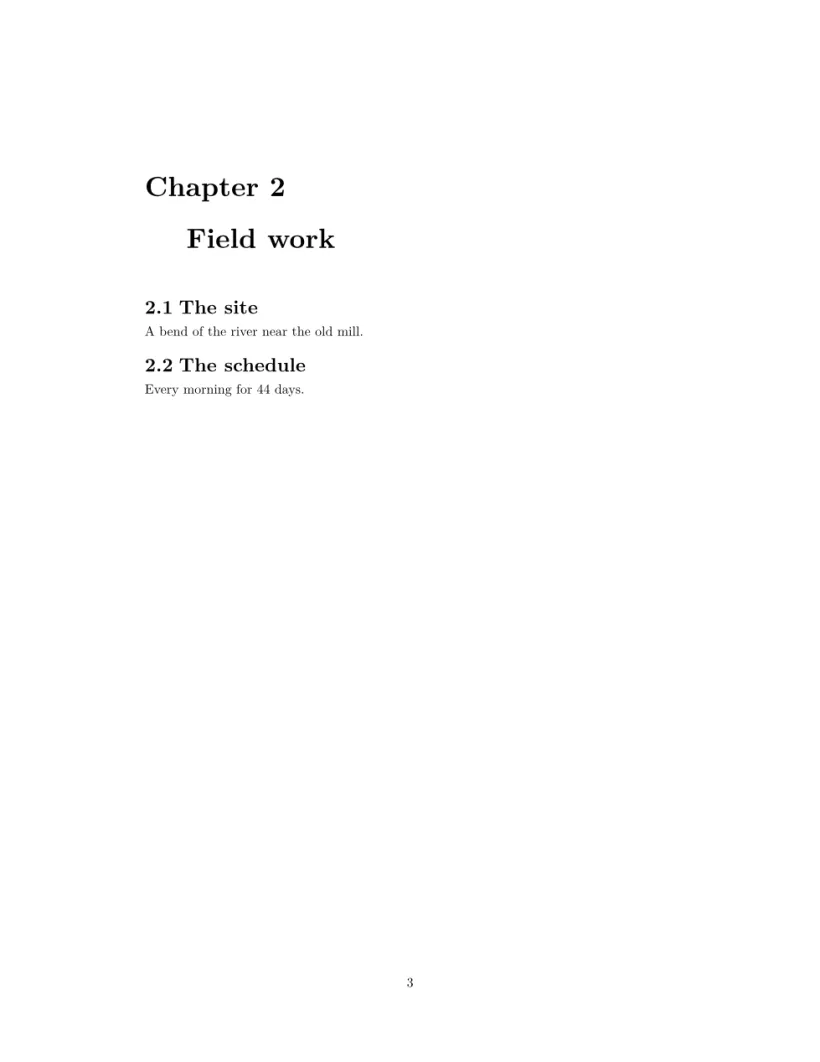
\documentclass{report} または book では、\chapter が最上位の階層です。各章は新しいページから始まり、タイトルの上に「Chapter 1」と表示され、節は 1.1、1.2 と番号が付き、目次は独立したページになります。
report:目次のページの後に、章ごとに 1 ページ
\documentclass{report}
\begin{document}
\tableofcontents
\chapter{Introduction}
\section{Why rivers}
Rivers change every day.
\chapter{Field work}
\section{The site}
A bend of the river near the old mill.
\section{The schedule}
Every morning for 44 days.
\end{document}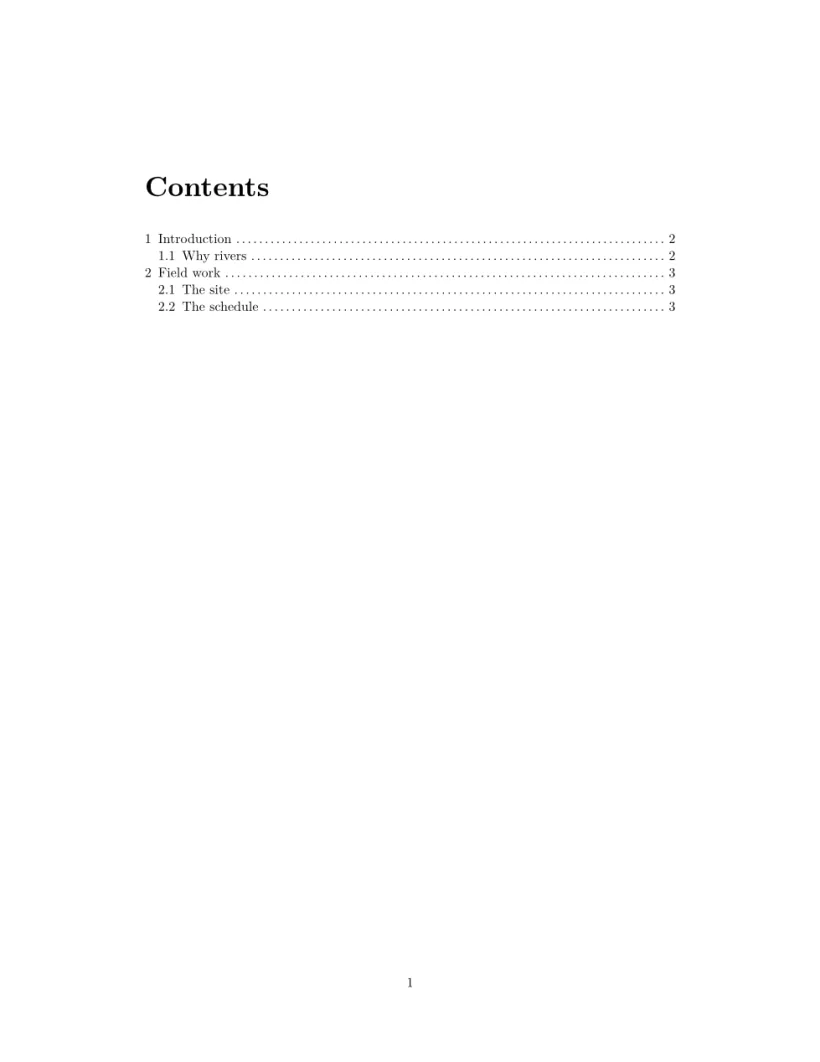
付録
\appendix の後では、節に番号ではなく A、B、C のアルファベットが付きます。最初の付録の節の前に 1 回だけ書いてください。report や book では、\appendix の後の章にもアルファベットが付きますが、TeX のインストール環境が「Appendix A」と書くところで「Chapter A」という見出しになります。
\appendix の後の節にはアルファベットが付きます
\section{Conclusion}
Birds prefer mornings.
\appendix
\section{Raw counts}
All 44 daily counts.
\section{Equipment list}
Two thermometers, one notebook.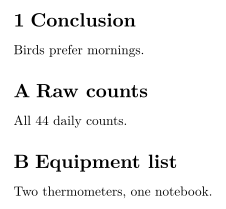
節へのラベルと参照
見出しの直後に \label{sec:method} を置き、どこかに \ref{sec:method} と書くと、その番号が表示されます。ラベルと相互参照をご覧ください。
TeX のインストール環境との違い
文書の構造、相互参照、hyperref、url もあわせてご覧ください。
よくある質問
LaTeX で番号なしの節を作るにはどうすればよいですか?
\section*{Title} のようにスターを付けます。Scissor LaTeX では、番号なしで目次にも載ります。
TeX のインストール環境では目次が空なのに、ここでは空でないのはなぜですか?
TeX のインストール環境では、目次を埋めるために 2 回の実行が必要です。Scissor LaTeX は入力するたびに、1 回で目次を作ります。
章を使うにはどうすればよいですか?
\documentclass{report} または \documentclass{book} を使います。すると章は新しいページから始まり、節は章の中で番号が付きます。
このページの例はすべて、サイトのビルド時に Scissor LaTeX で組版されています。 最終更新:2026-11-07